AI’s New Frontier: A Deep Dive into NVIDIA’s Most Powerful GPUs

The relentless advance of artificial intelligence is fueled by an equally rapid evolution in hardware. For developers, researchers, and enterprises, selecting the right Graphics Processing Unit (GPU) is no longer just a technical choice—it’s a strategic decision that dictates the scope, speed, and scale of their AI ambitions. From the compact efficiency of edge inference cards to the world-shattering power of next-generation data centre processors, NVIDIA’s lineup represents the cutting edge of AI acceleration.

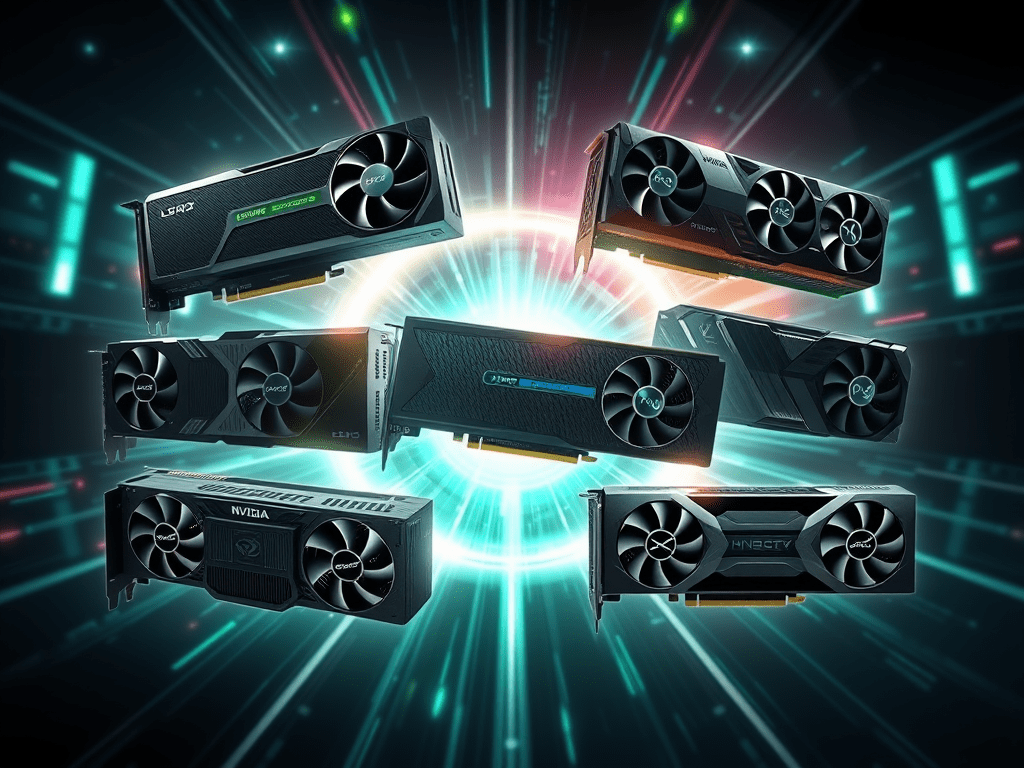
Today, we’re taking a deep dive into six of NVIDIA’s most influential GPUs for AI workloads: the L4, L40S, H100, H200, the new B200, and the workstation-class RTX 6000 Ada Generation. This comparison will go beyond the numbers to explore the architectures, design philosophies, and ideal use cases for each, helping you navigate this complex and powerful ecosystem.


The Contenders: Understanding the Players

Each GPU is engineered with a specific set of challenges in mind, striking a balance between performance, power, memory, and form factor.

NVIDIA L4: The Master of Efficiency

Built on the Ada Lovelace architecture, the L4 is designed for high-volume inference tasks where power consumption and physical footprint are critical. Its low-profile, single-slot design and minuscule 72W power draw make it ideal for deployment at the edge or in dense server environments, particularly for applications such as AI video, recommender systems, and real-time language translation.

NVIDIA L40S: The Versatile Workhorse

Also based on the Ada Lovelace architecture, the L40S is a multi-purpose powerhouse. It blends strong AI inference and training capabilities with top-tier graphics and rendering performance, making it an ideal choice for building and running AI-powered applications, from generative AI chatbots to NVIDIA Omniverse simulations and professional visualisation.

NVIDIA H100: The Established Champion

As the flagship of the Hopper architecture, the H100 has been the gold standard for large-scale AI training and demanding inference. The introduction of the Transformer Engine and FP8 data format support revolutionised the training of massive models. With its high-bandwidth memory (HBM), it excels at processing enormous datasets and complex model architectures.

NVIDIA H200: The Memory Giant

The H200 is a targeted evolution of the H100, keeping the same powerful Hopper compute core but dramatically upgrading the memory subsystem. It was the first GPU to feature HBM3e, providing a staggering increase in both memory capacity and bandwidth. This makes the H200 the premier choice for inference on the largest, most parameter-heavy models, where fitting the entire model in memory and feeding the cores with data are the primary bottlenecks.

NVIDIA RTX 6000 Ada Generation: The Creative Professional’s AI Tool

While often found in workstations, the RTX 6000 is a formidable server-capable GPU for a range of AI and graphics workloads. It provides a massive 48 GB memory pool in a standard PCIe card format, perfect for AI-driven creative applications, data science, smaller-scale model fine-tuning, and rendering farms. It’s the go-to choice for professionals who require both state-of-the-art graphics and high-performance AI compute.

NVIDIA B200: The Dawn of a New Era

The B200 is the first GPU based on the revolutionary Blackwell architecture. It represents a monumental leap in AI performance, designed for the exascale computing era. Featuring two tightly coupled dies, fifth-generation Tensor Cores, and a new FP4 data format, the B200 delivers an unprecedented level of performance for both training and inference. It is built to power the next generation of trillion-parameter models, complex scientific simulations, and AI factories.


Key Specifications for AI and Inference

The following table breaks down the critical specifications, offering a direct comparison of their capabilities.

FeatureNVIDIA L4NVIDIA L40SNVIDIA H100 (SXM5)NVIDIA H200 (SXM)NVIDIA B200 (Single GPU)NVIDIA RTX 6000 Ada
GPU ArchitectureAda LovelaceAda LovelaceHopperHopperBlackwellAda Lovelace
Tensor Cores240 (4th Gen)568 (4th Gen)528 (4th Gen)528 (4th Gen)(5th Gen)568 (4th Gen)
GPU Memory24 GB GDDR648 GB GDDR680 GB HBM3141 GB HBM3e192 GB HBM3e48 GB GDDR6
Memory Bandwidth300 GB/s864 GB/s3.35 TB/s4.8 TB/s8 TB/s960 GB/s
FP4 Tensor CoreN/AN/AN/AN/A4500 TFLOPS (S)N/A
FP8 Tensor Core485 TFLOPS1466 TFLOPS (S)3958 TFLOPS (S)3958 TFLOPS (S)2250 TFLOPS (S)1457 TFLOPS (S)
INT8 Tensor Core485 TOPS1466 TOPS (S)3958 TOPS (S)3958 TOPS (S)4500 TOPS (S)1457 TOPS (S)
FP16/BF16 Tensor Core242 TFLOPS733 TFLOPS (S)1979 TFLOPS (S)1979 TFLOPS (S)1125 TFLOPS (S)728 TFLOPS (S)
TF32 Tensor Core120 TFLOPS366 TFLOPS (S)989 TFLOPS (S)989 TFLOPS (S)563 TFLOPS (S)364 TFLOPS (S)
FP32 Performance30.3 TFLOPS91.6 TFLOPS67 TFLOPS67 TFLOPS40 TFLOPS91.1 TFLOPS
FP64 Performance0.47 TFLOPS1.4 TFLOPS67 TFLOPS67 TFLOPS0.04 TFLOPS1.4 TFLOPS
Max Power Consumption72W350W700W700W1000W300W
Form Factor1-slot PCIe2-slot PCIeSXM5 ModuleSXM ModuleSXM Module2-slot PCIe

(S) denotes performance with sparsity. B200 performance numbers are based on preliminary data for a single GPU die within a larger system.


Performance vs. Cost: A Value Perspective

While raw performance is critical, the total cost of ownership (TCO) and value proposition are equally important factors for any deployment. The GPUs in our comparison span a vast price range, from accessible workgroup cards to bleeding-edge data centre accelerators. It’s not just about the initial hardware cost; power consumption, server density, and the specific workload all influence the true cost of a solution. The chart below provides a conceptual overview, plotting a key inference performance metric (FP8 TFLOPS) against a relative cost tier to help visualise the value proposition of each card.

As the chart illustrates, the performance curve is not linear with cost. The L4 provides an accessible entry point for efficient and scalable inference. The L40S and RTX 6000 occupy a sweet spot, providing a significant performance leap for a moderate cost increase. The H100 and H200 represent the peak of the Hopper architecture, delivering maximum performance at a premium, with the H200’s value coming from its enhanced memory for massive models. The B200, although it has lower FP8 performance than Hopper, introduces new, more efficient data types, such as FP4, and is priced for next-generation, exascale workloads.

Architectural Showdowns & Key Takeaways

Memory is King: HBM vs. GDDR6

The most striking divide in the lineup is memory technology. The H-series (H100, H200) and B-series (B200) utilise High-Bandwidth Memory (HBM), whereas the L-series and RTX cards employ GDDR6.

  • HBM3/HBM3e: This memory is stacked vertically close to the GPU die, enabling an ultra-wide communication bus. The result is astronomical bandwidth (3 to 8 TB/s). This is non-negotiable for training massive models where data must be fed to thousands of cores simultaneously. The B200’s 8 TB/s is a game-changer for reducing data bottlenecks.
  • GDDR6: This memory is more conventional but offers a fantastic balance of capacity, speed, and cost. For inference workloads, where a model is loaded once and used repeatedly, the nearly 1 TB/s bandwidth of the RTX 6000 is more than sufficient. Its 48 GB capacity is also a significant advantage for loading large models or complex scenes.

The Precision Game: FP4 is the New Frontier

AI performance is not just about raw FLOPS; it’s about the right FLOPS.

  • FP16/BF16: The standard for mixed-precision AI training, offering a balance of speed and accuracy.
  • INT8/FP8: These lower-precision formats are crucial for inference, drastically increasing throughput by simplifying calculations. The Hopper architecture’s Transformer Engine excels at dynamically using FP8.
  • FP4: The Blackwell architecture’s headline feature is support for 4-bit floating-point precision. This new format doubles the throughput of FP8, enabling even faster inference performance. This is particularly impactful for large language model (LLM) inference, where speed directly translates to a better user experience.

Form Factor & Scalability: PCIe vs. SXM

  • PCIe (L4, L40S, RTX 6000): These cards use the familiar Peripheral Component Interconnect Express standard, making them easy to install in a wide variety of servers and workstations. They are perfect for scaling out general-purpose AI tasks.
  • SXM (H100, H200, B200): This is a custom mezzanine connector designed for NVIDIA’s high-density DGX and HGX systems. It enables extremely high-speed GPU-to-GPU communication via NVLink, allowing multiple GPUs to function as a single, massive accelerator. This is essential for training models that are too large to fit on a single GPU.

Choosing Your AI Champion

  • For High-Throughput, Efficient Inference: The NVIDIA L4 is unmatched. Its low power and small footprint make it the king of scalable inference at the edge and in the cloud.
  • For Versatile AI and Graphics: The NVIDIA L40S and RTX 6000 Ada are your best bets. The L40S is a data centre workhorse, while the RTX 6000 is a perfect fit for high-end workstations and departmental servers that mix AI with visualisation.
  • For Demanding Large-Scale AI Training, the NVIDIA H100 remains a powerful and proven choice, offering a mature ecosystem for training complex models.
  • For State-of-the-Art Inference on Massive Models: The NVIDIA H200‘s enormous memory bandwidth and capacity make it the ultimate inference accelerator for today’s largest LLMs.
  • For Building the Future of Exascale AI: The NVIDIA B200 is the clear choice. It is designed for developers and enterprises at the absolute bleeding edge, building the next generation of foundation models and AI-driven scientific breakthroughs.

The world of AI hardware is a fast-moving, fascinating space. The right choice depends entirely on your workload, budget, and the scale of your project. From the efficient L4 to the revolutionary B200, NVIDIA provides a specialised tool for every job on the new frontier of artificial intelligence.

Implementing Granular Access Control in RAG Applications

A Guide to Implementing Granular Access Control in RAG Applications

Audience: Security Architects, AI/ML Engineers, Application Developers

Version: 1.0

Date: 11 September 2025


1. Overview

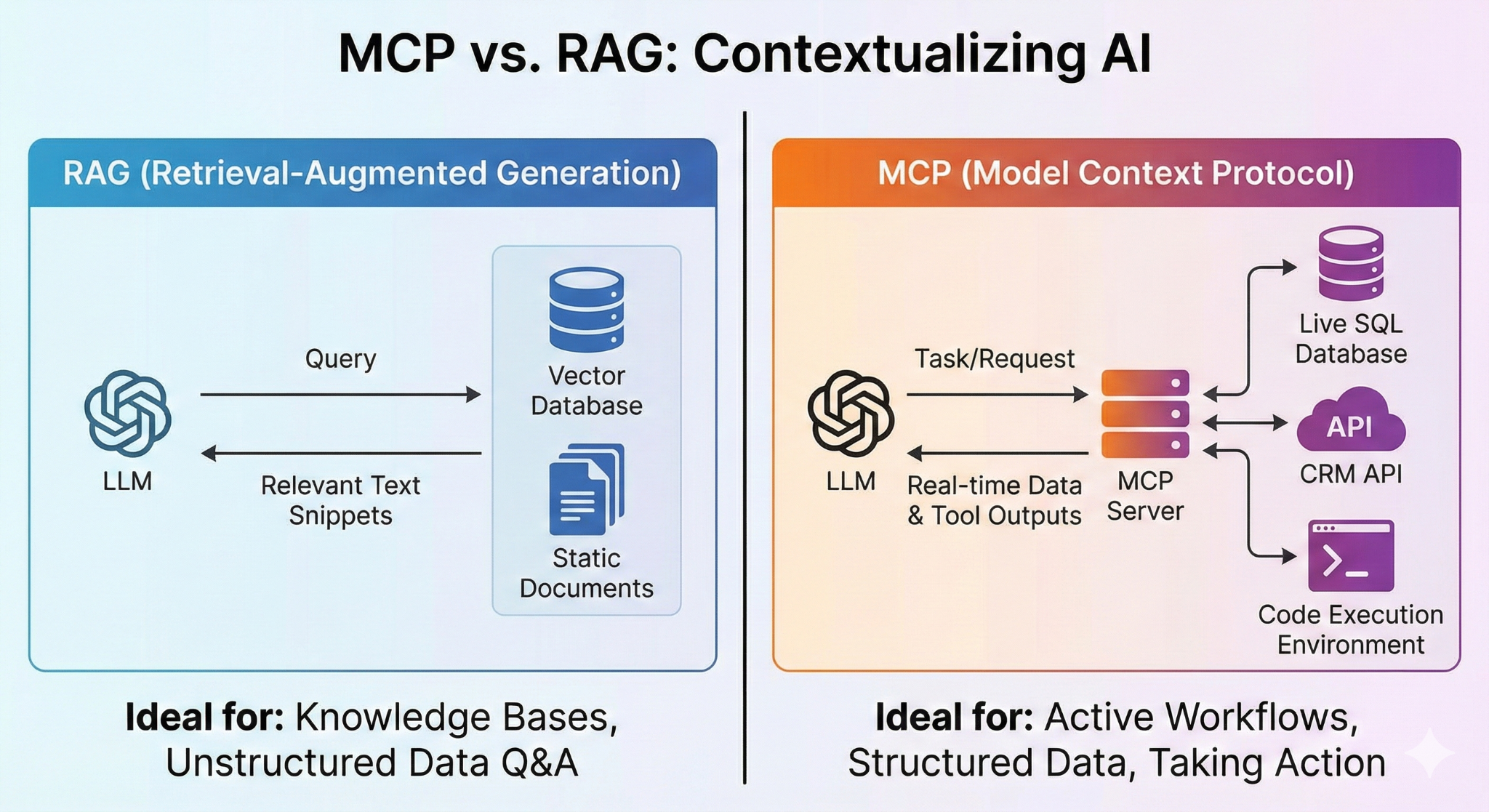
This document outlines the technical implementation for enforcing granular, “need-to-know” access controls within a Retrieval-Augmented Generation (RAG) application. The primary mechanism for achieving this is through metadata filtering at the vector database level, which allows for robust Attribute-Based Access Control (ABAC) or Role-Based Access Control (RBAC). This ensures that a user can only retrieve information they are explicitly authorised to access, even after the source documents have been chunked and embedded.


2. Core Architecture: Metadata-Driven Access Control

The solution architecture is based on attaching security attributes as metadata to every data chunk stored in the vector database. At query time, the system authenticates the user, retrieves their permissions, and constructs a filter to ensure that the vector search is performed only on the subset of data to which the user is permitted access.


3. Step-by-Step Implementation

3.1. Data Ingestion & Metadata Propagation

The integrity of the access control system is established during the data ingestion phase.

  1. Define a Metadata Schema: Standardise the security tags. This schema should be expressive enough to capture all required access controls.
  • Example Schema:
  • doc_id: (String) Unique identifier for the source document.
  • classification: (String) e.g., ‘SECRET’.
  • access_groups: (Array of Strings) e.g., [‘NTK_PROJECT_X’, ‘EYES_ONLY_LEADERSHIP’].
  • authorized_users: (Array of Strings) e.g., [‘user_id_1’, ‘user_id_2’].
  1. Ensure Metadata Inheritance: During the document chunking process, it is critical that every resulting chunk inherits the complete metadata object of its parent document. This ensures consistent policy enforcement across all fragments of a sensitive document.
    Conceptual Code:
    Python
    def process_document(doc_path, doc_metadata):
        chunks = chunker.split(doc_path)
        processed_chunks = []
        for i, chunk_text in enumerate(chunks):
            # Each chunk gets a copy of the parent metadata
            chunk_metadata = doc_metadata.copy()
            chunk_metadata[‘chunk_id’] = f”{doc_metadata[‘doc_id’]}-{i}”
            processed_chunks.append({
                “text”: chunk_text,
                “metadata”: chunk_metadata
            })
        return processed_chunks

3.2. Vector Storage

Modern vector databases natively support metadata storage. This feature must be utilised to store the security context alongside the vector embedding.

  1. Generate Embeddings: Create a vector embedding for each chunk’s text.
  2. Upsert with Metadata: When writing to the vector database, store the embedding, a unique chunk ID, and the whole metadata object together.
    Conceptual Code (using Pinecone SDK v3 syntax):
    Python
    # 'vectors' is a list of embedding arrays
    # 'processed_chunks' is from the previous step

    vectors_to_upsert = []
    for i, chunk in enumerate(processed_chunks):
        vectors_to_upsert.append({
            "id": chunk['metadata']['chunk_id'],
            "values": vectors[i],
            "metadata": chunk['metadata']
        })

    # Batch upsert for efficiency
    index.upsert(vectors=vectors_to_upsert)

3.3. Query-Time Enforcement

Access control is enforced dynamically with every user query.

  1. User Authentication & Authorisation: The RAG application backend must integrate with an identity provider (e.g., Active Directory, LDAP, or OAuth provider) to securely authenticate the user and retrieve their group memberships or security attributes.
  2. Dynamic Filter Construction: Based on the user’s attributes, the application constructs a metadata filter that reflects their access rights.
  3. Filtered Vector Search: Execute the similarity search query against the vector database, applying the constructed filter. This fundamentally restricts the search space to only authorised data before the similarity comparison occurs.
    Conceptual Code:
    Python
    def execute_secure_query(user_id, query_text):
        # Authenticate user and get their permissions
        user_permissions = identity_provider.get_user_groups(user_id)
        # Example: returns ['NTK_PROJECT_X', 'GENERAL_USER']

        query_embedding = embedding_model.embed(query_text)

        # Construct the filter
        # This query will only match chunks where 'access_groups' contains AT LEAST ONE of the user's permissions
        metadata_filter = {
            "access_groups": {"$in": user_permissions}
        }

        # Execute the filtered search
        search_results = index.query(
            vector=query_embedding,
            top_k=5,
            filter=metadata_filter
        )

        # Context is now securely retrieved for the LLM
        return build_context_for_llm(search_results)


4. Secondary Defence: LLM Guardrails

While metadata filtering is the primary control, output-level guardrails should be implemented as a defence-in-depth measure. These can be configured to:

  • Block Metaprompting: Detect and block queries attempting to discover the security structure (e.g., “List all access groups”).
  • Prevent Information Leakage: Scan the final LLM-generated response for sensitive keywords or patterns that may indicate a failure in the upstream filtering.

Transforming Banking with GenAI: Key Trends Unveiled

Current Trends

1. Hyper-personalisation & next-gen customer experience

  • GenAI enables banks to offer tailored customer interactions—chatbots that speak conversationally in multiple languages, instant financial advice based on real-time account data, and dynamically priced products cloud.google.com+15accenture.com+15research.aimultiple.com+15.
  • Domain-specific LLMs are powering personalised financial advice, virtual assistants, and FAQ support on mortgages and investments.

2. Process automation & efficiency gains

  • AI is automating back-office tasks—document processing, invoices, compliance checks—often achieving 50–85% automation levels vktr.com.
  • Banks use code-writing GenAI to modernise legacy applications and accelerate software updates.

3. Fraud detection & risk management

  • GenAI systems monitor transactions in near real-time, learn from evolving fraud patterns, and dramatically reduce false positives. ideas2it.com+1vktr.com+1.
  • It’s being used to support risk teams with climate risk, credit risk, KYC/AML compliance, and scenario simulations mckinsey.com+1itrexgroup.com+1.

4. Compliance & regulatory support

  • Banks are building “GenAI virtual experts” to summarize regulations and policies, draft compliance documents, and monitor evolving rules globenewswire.com+7mckinsey.com+7getdynamiq.ai+7.
  • Tactical adoption is growing: only ~8% of banks had a systematic GenAI strategy in 2024, but most now use it tactically across such functions newsroom.ibm.com.

Future Trends (12–36 months)

1. Fully integrated AI–human hybrids

  • By 2030, expect collaborative workflows where GenAI partners with employees across customer service, advisory, product creation and compliance accenture.com+1getdynamiq.ai+1.

2. Multimodal AI & advanced GenAI agents

  • AI that processes voice, text, documents, and images, enabling richer customer and employee interactions.
  • Emergence of GenAI ‘copilots’ that assist advisors, compliance officers, and analysts directly within their tools.

3. Synthetic data generation & stress‑testing

4. Domain-specific LLMs in production

  • Institutions like JPMorgan, BofA, and HSBC are moving from PoCs to deploying specialised LLMs fine-tuned on internal data, e.g. BloombergGPT for financial chat cleveroad.com.

5. Increasing regulatory scrutiny & AI governance

  • As usage grows, new frameworks (e.g. EU AI Act) will enforce guardrails, human-in-the-loop monitoring, output explainability, and audit trails mckinsey.com.

6. Rising GenAI market & investments

  • The GenAI market in financial services is set to grow from ~$2.8 bn (2023) to ~$75 bn by 2028 (~94% CAGR) and reach $85 bn by 2030 in banking spend globenewswire.com.

Summary Table

TrendNow (2025)Coming (2025–2030)
Customer experience24/7 intelligent multilingual chatbotsMultimodal copilots and immersive AI assistants
Operations & automationDoc processing, coding assistanceFully embedded AI in all workflows
Fraud & risk managementReal-time monitoring & anomaly flaggingSynthetic data generation, stress simulations
Compliance & governanceRegulatory Q&A bots, policy summarizersEnterprise AI governance, real-time guardrails
Technology evolutionOff-the-shelf GenAI models in POCsDomain-specific LLMs in live production
Industry investmentTactical GenAI projects & pilots~$75–85 bn GenAI market by 2028–2030

What this means for banks and FIs:

  • Competitive differentiation: those moving beyond pilots to embed AI across functions will lead in personalisation, efficiency, and regulatory agility.
  • Strategic investments: building specialised LLMs, AI risk frameworks, and multimodal tools will be essential.
  • Governance-first approach: A robust AI risk and compliance infrastructure is crucial for scaling safely.

Notable Case Examples

1. JP Morgan – COIN & Contract Intelligence

JP Morgan’s COIN tool utilises AI (rooted initially in machine learning, now evolving toward Generative AI) to read and interpret legal contracts. By automating document reviews, it eliminated 360,000 hours of manual work annually, enhancing speed and reducing errors. This demonstrates how GenAI can transform high-volume, unstructured tasks.

2. Bank Chatbots & Virtual Assistants

Many major global banks (e.g., HSBC, Bank of America, and others) have implemented advanced AI chatbots for customer services, handling multilingual interactions, real-time FAQs, and transactional guidance. These assistants are being upgraded with GenAI capabilities to engage in richer, more human-like conversations, including follow-up, context retention, and document-driven queries.

3. Goldman Sachs – Internal “Marcus” Assistant

Goldman Sachs developed an intelligent internal assistant (“Marcus” for employees/advisors) that helps streamline product recommendations, compliance queries, and data analysis. It’s moving toward GenAI to interpret voice and unstructured data, providing actionable insights faster.


Strategies for GenAI Adoption in Financial Services

Below are six foundational strategies to guide effective GenAI adoption in banking:

1. Start with High-Value, Narrow Use Cases

  • Begin with tasks that handle structured or semi-structured data, e.g., document summarisation, compliance checks, and chat-based customer support.
  • Ensure rapid returns and measurable KPIs, such as reduced time-to-resolution or automation of compliance checklists.

2. Build Domain-Specific Models

  • Fine-tune LLMs with proprietary internal data—contracts, policy documents, customer interactions—to align outputs with your institution’s tone and standards.
  • Test deployment in governance or compliance scenarios before extending to customer-facing channels.

3. Operationalise ‘Human-in-the-Loop’ & Governance

  • Design systems that utilise GenAI to provide initial drafts or suggestions, always subject to human review.
  • Capture audit logs, track decisions, and implement oversight frameworks to ensure regulatory compliance (e.g., with EU AI Act, UK regulators).

4. Use Synthetic Data for Training

  • Create privacy-safe synthetic transaction data to train fraud detection and credit risk models.
  • Deploy stress-test simulations using GenAI-generated scenarios (e.g., macroeconomic downturns, market shocks) to enhance capital planning and resilience.

5. Integrate Across the Workforce

  • Equip employees with role-based GenAI copilots, e.g., advisors get tools that draft personalised investment reports; compliance officers get summarised regulatory updates.
  • Focus on UI/UX that embeds GenAI in tools staff already use, rather than siloed applications.

6. Scale with Ecosystem & Vendor Partnerships

  • Partner with leading GenAI providers (e.g., VMware by Broadcom, Google Cloud, AWS, Microsoft Azure, Anthropic, etc.) for secure, compliant LLM infrastructure.
  • Leverage specialist vendors offering generative models tailored for financial language (e.g., BloombergGPT-like or fine-tuned alternatives).

Sample Roadmap for Implementation

PhaseActivities
1. AssessmentAudit use-case inventory (customer service, compliance, fraud, advisory). Prioritise by ROI.
2. PilotLaunch PoCs in 1–2 domains (e.g., contract summarisation, chatbot). Define metrics.
3. ValidationTest performance, compliance support, and user feedback. Refine models & prompts.
4. GovernanceMonitor usage, retrain models, and assess the financial, legal, and reporting impact.
5. ScaleExpand GenAI to additional processes (fraud detection, credit); integrate with core systems.
6. OptimiseMonitor usage, retrain models,and assess financial/legal/reporting impact.

Critical Considerations

  • Ethical & legal compliance: Ensure privacy and data protection, especially when handling customer information.
  • Explainability: Foster interpretability of AI outputs, particularly vital for compliance and advisory functions.
  • Talent & training: Invest in data science skills, prompt engineering, and employee readiness.
  • Change management: Promote adoption through internal champions and clear communication of benefits.

Final Thoughts

While impressive case studies exist (e.g., COIN at JPMorgan, internal copilots at leading firms), the key is pragmatic, phased adoption. Start small with achievable use cases, enforce strong governance, and embed GenAI tools into everyday workflows. This enables banks to unlock real ROI—greater efficiency, compliance resilience, and customer satisfaction—while preparing for future innovations, such as multimodal AI and fully autonomous agents.

Understanding Air-Gapped IT Infrastructure: Security and Challenges

Intro

I will start with what I consider to be one of this year’s most obvious IT statements, yes, even this early on in the year, so much so that it sounds to me more like a marketing spiel (no offence to my marketing friends) than a technical blog article. However, this conversation comes up daily with colleagues and customers, so I’ll set the scene a little here.

In today’s digital landscape, cybersecurity threats are becoming increasingly sophisticated, putting sensitive data and critical infrastructure at constant risk. While firewalls, intrusion detection systems, and endpoint security solutions form a solid defence, some environments require an even more extreme measure. It is something that the most security-conscious folks have known…. forever, but one that is increasingly becoming an accepted standard way of designing enterprise IT infrastructures.

Air-Gapped Infrastructure.

But what exactly is an ‘air-gapped’ infrastructure, and how does it compare to other isolation and control methods like ‘air-locking’? 
As a side note, I probably didn’t invent the term ‘airlock ‘in the context of IT infrastructure, but I am vain enough to hope so. The nerd in me thinks of Sci-Fi films set in space, where an airlock exists to keep the bad out (vacuum of space) and the good (Air) in while providing a way to safely cross between the two environments.

More importantly, what are the challenges in building and maintaining such an infrastructure? Let’s dive in.

Well, to quote Spiderman’s nerdy, IT-admin best friend; “with great security (in terms of IT infrastructure) comes greatly constrained functionality and increased complexity” (he never said that)

What is Air-Gapped IT Infrastructure?

Air-gapping is the practice of physically isolating a computer system or network from all external, untrusted networks, including the Internet. It is one of the highest levels of security and is often deployed in military, intelligence, critical infrastructure, and high-security corporate environments.

The goal? To create a barrier that cyber threats simply cannot cross—at least not remotely. However, this presents significant challenges for IT administrators who must manage updates, data transfers, and operational continuity without direct online access.

Why Air-Gapping is So Challenging

While air-gapped systems offer unparalleled security, they are notoriously difficult to build and maintain due to:

  • Software and Patch Management: How do you keep systems updated without connecting to the internet?
  • Data Transfer and Integrity: Moving data in and out requires extreme caution—one mistake could compromise an entire network.
  • Operational Continuity: Without cloud services, online monitoring tools or connected networks, IT teams must rely on manual processes and offline backups.
  • Physical Security: Protecting air-gapped hardware from insider threats and supply chain attacks is just as critical as preventing remote exploits.

Air-Gapping vs. Air-Locking: What’s the Difference?

Not all isolation methods are created equal. Many organisations employ controlled air-gapped environments, also known as ‘air-locked’ systems, where temporary access to external networks is permitted through highly controlled gateways.

For example, software updates might be transferred through a designated firewall or proxy server, ensuring some level of connectivity under strict supervision. However, there’s a major caveat: air-locked systems are not truly air-gapped.

The Hidden Risk of Air-Locked Systems

While air-locking provides a practical compromise, it introduces a significant security risk: human error or insider threats could leave the ‘air-lock’ open. A misconfiguration, malicious insider, or even a moment of negligence could create a vulnerability that compromises the entire system.

This is why air-gapped environments remain the gold standard for maximum security—but at the cost of operational complexity.

Best Practices for Running Air-Gapped Environments

Successfully operating air-gapped infrastructure requires a combination of strict security policies and well-defined operational procedures. Here are some key best practices:

1. Secure Data Transfers

  • Use vetted USB drives, optical media, or one-way data diodes.
  • Ensure all transfers undergo forensic scanning and approval processes.
  • Keep an immutable log of all data movements.

2. Software and Patch Management

  • Maintain a trusted offline repository for updates.
  • Deploy patches only after extensive testing in an isolated environment.
  • Use cryptographic verification to prevent tampering.

3. Access Control and Monitoring

  • Implement strict physical access controls, such as biometric authentication.
  • Use multi-factor authentication for any system interactions.
  • Deploy host-based intrusion detection systems (HIDS) to monitor for anomalies.

4. Incident Response and Disaster Recovery

  • Maintain fully offline backups that are physically stored in a secure location.
  • Regularly test disaster recovery procedures to ensure they work without cloud dependencies.
  • Use isolated forensic workstations to investigate any suspected breaches.

Is Air-Gapping Right for Your Organisation?

If your organisation handles highly classified information, critical infrastructure, or intellectual property, air-gapped environments provide an unmatched level of security. However, if usability and efficiency are major concerns, an air-locked or hybrid approach may be a more practical choice.

Ultimately, the decision comes down to risk tolerance vs. operational feasibility—a balance that every security-conscious organisation must carefully consider.

Final Thoughts

Air-gapping remains one of the most effective cybersecurity measures available today, but it’s not without its trade-offs. While fully air-gapped environments offer unparalleled security, the operational challenges can be significant. Meanwhile, air-locked systems provide a compromise but introduce potential vulnerabilities if not carefully managed.

Whether you’re building an air-gapped infrastructure from scratch or refining your organisation’s security posture, one thing is clear: true cybersecurity requires a multi-layered approach that prioritises both protection and practicality.

The above steps are by no means all there is to designing and operating secure environments, obviously, but I felt the need to put down my thoughts based on conversations I often have about the definition of the term ‘air-gapped’ and just like other topics, such as ‘multi-tenancy’, and what they actually mean in the real world.

What are your thoughts on air-gapped vs. air-locked security? Let’s discuss in the comments! 👇

Introducing Summarize-and-Chat service for…

Introducing Summarize-and-Chat service for…

GenAI text summarization is becoming mainstream given its ability to quickly generate accurate and coherent summaries. While publicly available tools for summarization exist, companies may opt for internal solutions for data privacy, security, and governance reasons. So, there is a need for an on-pr


Broadcom Social Media Advocacy

From Cloud-First to Cloud-Smart to Repatriation…

From Cloud-First to Cloud-Smart to Repatriation…

Recent reports suggest that cloud repatriation is becoming more common, especially among large enterprises. But it does not mean that business are decreasing their public cloud spend.


Broadcom Social Media Advocacy

Introducing VMware Cloud Foundation 9

Introducing VMware Cloud Foundation 9

At VMware Explore 2024 in Las Vegas we are introducing VMware Cloud Foundation 9 – a significant leap forward that will streamline the transition from siloed IT environments to a unified, integrated private cloud platform. VMware Cloud Foundation 9 will make the deployment, consumption, and […]


Broadcom Social Media Advocacy